
Ever since the release of ChatGPT, I’ve been actively experimenting and using AI for a wide range of purposes for both business and personal use. I find it a great way to brainstorm but you really do have to check its work and ignore the sycophancy, which is slowly getting better now. It’s also a great tool for taking my rough draft posts and improving the writing, I’m not the best writer, and I’m resisting using AI for this post, so apologies if it’s not as nicely polished as my other posts.
On the work front, we actually had a dedicated sprint in the office to develop a range of AI solutions to support our internal work, as well as supporting university clients. Some of the projects we’re working on include:
- Building tools for AI assisted data preparation. Data quality is a big issue, particularly when updating 15 models simultaneously, so anything we can do to streamline this process is a bonus.
- Semantic models for the full university insights model. A semantic model describes the model and data, so that AI can interpret it properly. So far we have developed the semantic model for the benchmarks, and we want to extend this to the model itself. We have two universities that have volunteered to be the first to use this now.
- Driver and Business Rule recommendation engine – since we have 20 years’ worth of models across multiple institutions, we have a wealth of data on how these models have been built. It’s essentially codifying our methodology, which can be used by people or AI agents to build models a lot quicker.
- Using AI coding tools to rapidly develop new interfaces and applications – coding support is an excellent use of AI.
So longer term, I can see a world where we can have AI agents finding data, cleaning data, building models, building reports, interpreting the results, and providing recommendations. These recommendations would also take into consideration strategic plans, enterprise bargaining agreements, and other documented processes/policies to make sure they align properly.
Now let’s look at some specifics – I use a few AI tools – Open AI ChatGPT, Anthropic Claude and Snowflake Cortex. For work, I primarily use Claude and Claude Design. I’ve created a skill in Claude, which is just a written instruction list of what I would like done, and because it’s a skill, it can be called repeatedly without me having to rewrite the whole thing each time.
AI Research and MCP to Benchmarks
The skill I’ve created is used for market research and outreach, some of you may have already received some of these presentations, the specific steps it takes are:
- Go to the university’s website, using the Chrome connector, and read the last five years of published financials, the published strategic plan, look for any news articles on the university and identify any particular financial issues, key academic programs and future plans,
- Go to the Pilbara Benchmarks using our MCP (Model Context Protocol) server, which is a way of securely connecting external AI tools to our benchmarks, and look for relevant financial and workload metrics that could help that specific university,
- Take all this data and provide recommendations on what the university could do to improve their financial performance or help with the launch of new academic programs or new schools,
- Create a PowerPoint presentation, using our design specifications, for the CFO,
- Create a PowerPoint presentation for me to explain what it found and what it has recommended, and
- Create a Word document with links to all the referenced financials, strategic plans, news items and benchmarks for me to check.
The research and creation of documents can take 20-30 minutes, then I would spend about 1-2 hours going through each reference to make sure that they are correct and the AI hasn’t misinterpreted the information from its online research. Doing this manually would normally take me a few days.
For the benchmarks, it’s actually creating SQL code to extract the data, so it’s not interpreting or assuming data, it will pull actual figures.
This is an important distinction, because the way AI works is that it is “non-deterministic”, that is, if you ask the same question multiple times you will get different answers, great for brainstorming, not so good for financial management. You want to make sure you get the same numbers when you ask the same question.
While I was writing this blog post, I had Claude create a sample PowerPoint using our demo university, Insights University. I’ve taken a screen shot of the actual prompt, progress and output.
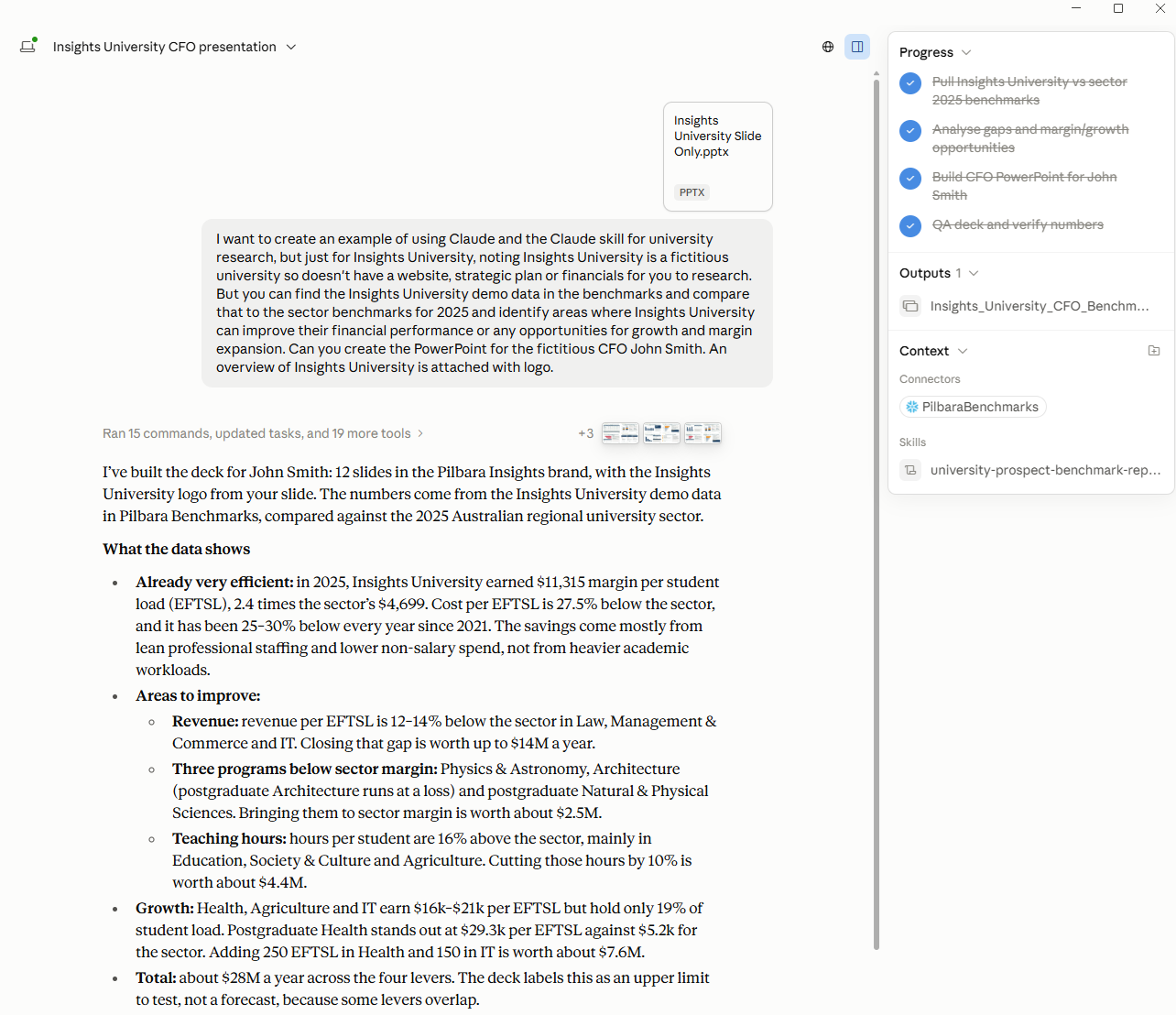
You can find the final report below, just click on the cover page. It’s important to note that the Insights University data is synthetic, demo data only. However, the benchmarks are real data. Also, since Insights University is in the benchmarks then it’s detailed data at the FOE level is available, so if your institution is in the benchmarks a similar report could be created for you. If your institution is not in the benchmarks, then it will assume an appropriate FOE and simply provide the benchmarks data for those FOEs for review.
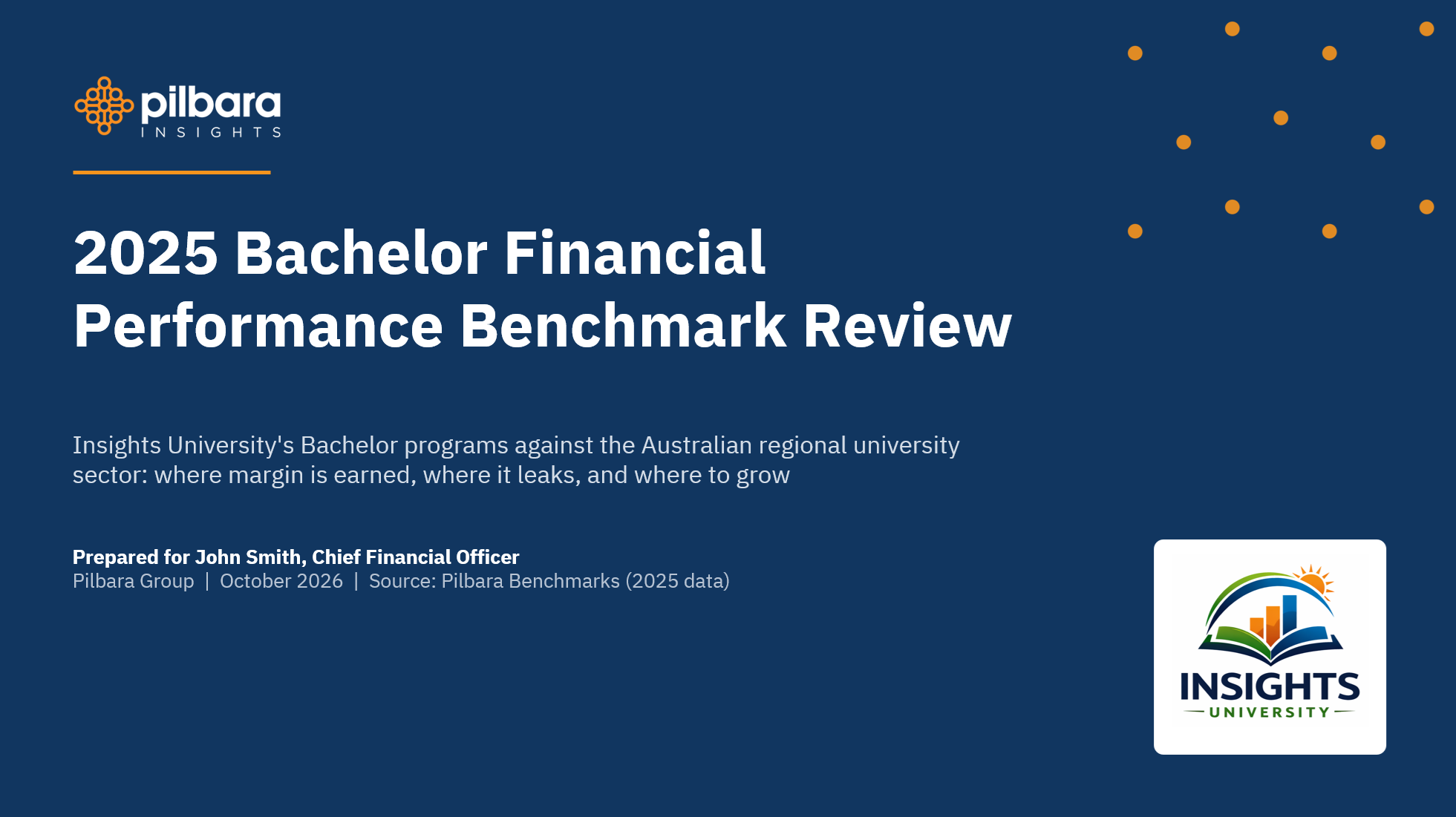
AI is a powerful tool but needs to be used carefully and guardrails need to be put in place, as an example:
- If the AI doesn’t know the answer, don’t make something up, just state that you don’t know the answer.
- Show us your working, how did you get that specific number or make that recommendation.
- Show us your sources, if you found data from an external resource or particular document, provide us with the URL or reference it properly.
You should also get into the habit of regularly checking its work, even though it’s getting better, it can still make mistakes. I’m still checking all numbers pulled from models and/or the benchmarks, last year it was making some fundamental errors, but it’s significantly better now. As an example, I checked the numbers in the presentation above and found no errors.
The biggest issue with using AI is figuring out how much it’s going to cost, it’s such a convoluted method of calculating price that I really don’t know how much something is going to cost me until they send me the bill or I review the usage reports.
Most universities have Microsoft CoPilot, so you have all probably used AI in some way already. If not, I would recommend just starting simply with CoPilot, ChatGPT or Claude and just start asking questions.
The biggest bit of advice I can provide at the moment is be very careful about what you upload into the public sites, most universities should have a locked-down university version of the AI solution, but if they don’t make sure you don’t upload anything with sensitive or personal information into a public LLM. We have a policy on what tools to use for what purpose, and your institution would probably have something similar.